
Guide · GOOGLE
How to run your Google Workspace from Claude
By Ben Lane




Film: Anthropic, the Claude for Google Workspace launch film
You can now run your Gmail, Calendar, Drive, Docs, Sheets and Slides from one chat with Claude, the AI assistant made by Anthropic. Since 6 October, when Anthropic added Docs, Sheets and Slides, it can read your email and draft replies, find a time that suits everyone and book it, find and share your files, and write or change Google files while you watch. There's also a new Claude panel inside Docs, Sheets and Slides that edits whatever file you have open. This guide goes app by app: what to switch on, what to ask Claude, what it checks with you first, and one request that uses three apps at once.
All product names and marks belong to their owners. No affiliation is implied.
More guides
2 tools
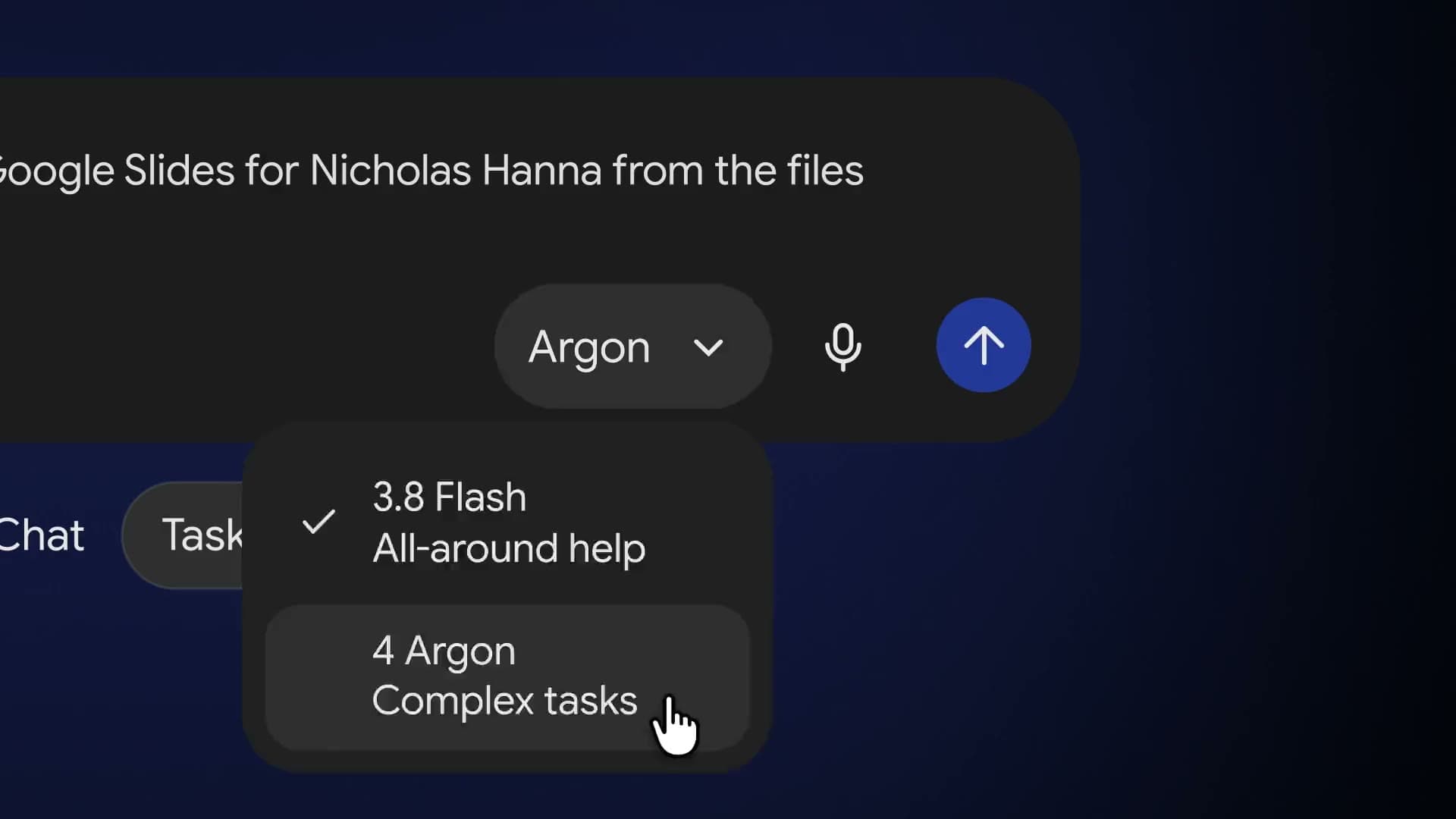
How to hand your hardest work to Gemini 4 Argon
Test Gemini 4 Argon against ChatGPT on a job you have already done, then save the winner so the next one starts from a draft.
4 tools
How to use Meta's Muse Spark Open, the best American open model
See how Meta's Muse Spark Open compares with ChatGPT, Claude and Gemini, test it on your own work, and keep your sensitive work where you control it.

1 tool
How to set up Hermes Agent, an AI assistant that learns how you work
Install Hermes Agent, tell it who you are, put it on your phone, teach it one weekly job and have it send you that job's report every Monday morning, with what it costs and what to keep away from it.